How to Start a Home Service Membership Program
Everything a home service owner needs to launch a membership program: tier design, pricing, enrollment, billing, and renewals.
 By Jordon ComstockSeptember 13, 20264 min read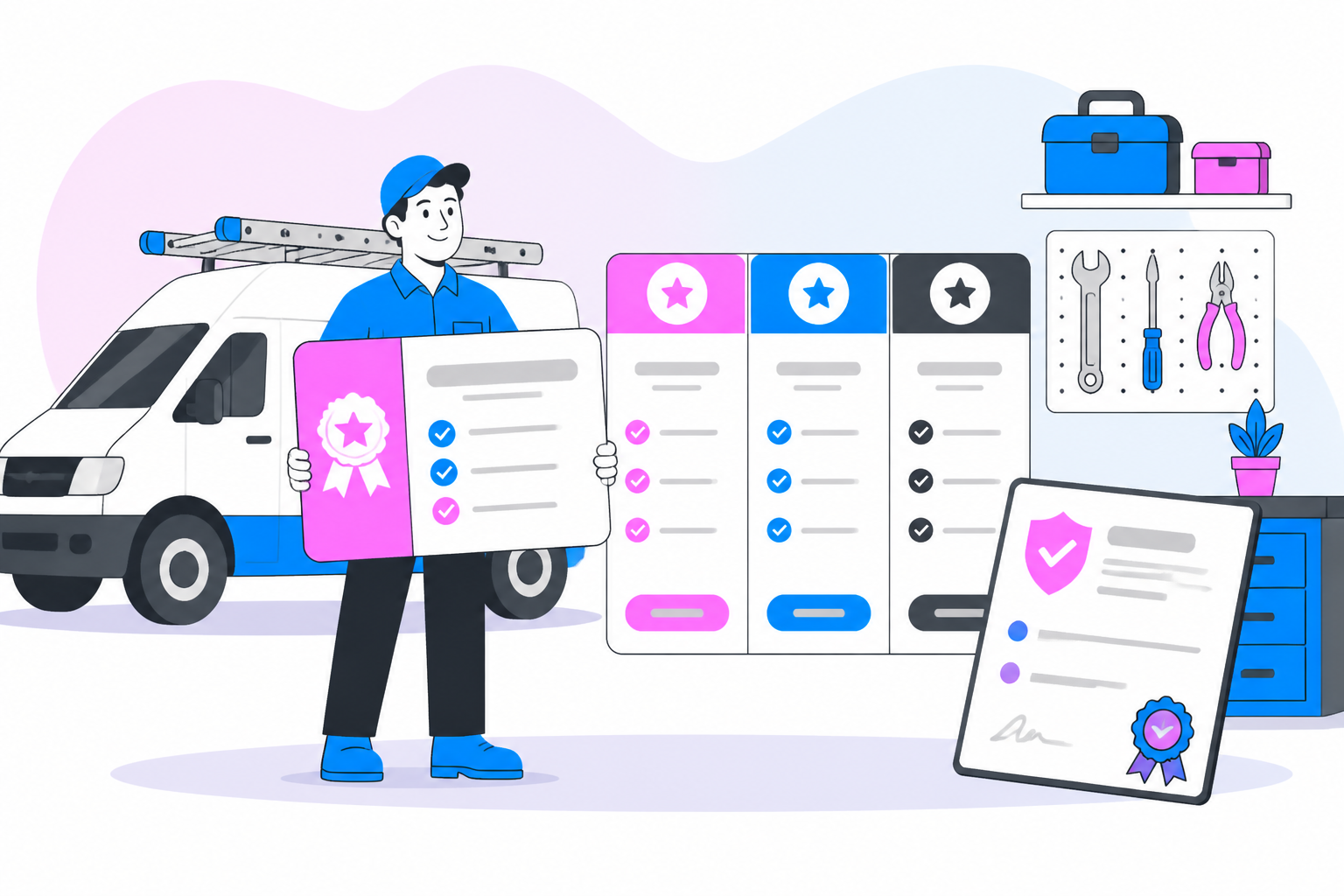
Every HVAC, plumbing, pest control, and lawn care owner eventually asks the same question: how do we turn one-time jobs into predictable, recurring revenue? The answer most established operators land on is a membership program — a paid plan that bundles maintenance visits, priority scheduling language aside, and discounts into one recurring charge. This playbook walks through how to actually build one, step by step.
Start With the Plan Structure, Not the Price
Before you pick a number, decide what a member actually gets. Most successful home service memberships follow a simple structure: a set number of maintenance visits per year, a discount on repairs, and some kind of priority perk. For example, an HVAC company might offer a Comfort Plan at $19/month that includes one annual tune-up, a 10% repair discount, and priority service. A pest control company might offer quarterly treatments for $45/month with free re-treats between visits.
Keep it to two or three tiers. A basic plan, a mid-tier "most popular" plan, and a premium plan covering multiple systems or services. Too many options slows down enrollment conversations, whether they happen on the phone, in the field, or online.
Build the Online Enrollment Path
Members should be able to sign up without a phone call. That means a web page where a customer can pick a plan, enter payment details, and be enrolled immediately. This matters for two reasons: it removes friction for the customer, and it removes manual data entry for your office staff. Online enrollment also lets technicians hand a customer a QR code or link at the end of a job and get them signed up before they even leave the driveway.
Automate the Recurring Billing
A membership program lives or dies on billing reliability. If charges fail silently, you lose revenue without knowing it. If a card update requires a phone call, members quietly lapse. The core billing mechanics you need in place:
- Recurring charges that run automatically on the customer's plan cycle (monthly or annual)
- Automatic decline retries so a single failed card doesn't cancel a member's plan
- Decline notifications sent to both the customer and your office so nothing falls through the cracks
- A self-service portal where members can update their own card on file
This is the operational backbone that separates a "membership program" that's really just a spreadsheet of promises from one that generates dependable monthly revenue. For a deeper breakdown of how to structure the pricing side of this, see our guide on home service membership pricing, and for the billing mechanics specifically, read maintenance agreement billing.
Train Your Team to Sell the Plan, Not the Job
Technicians and CSRs need a simple script. Instead of "do you want us to come back next year," it becomes "would you like to enroll in our maintenance plan so this visit and next year's are already covered?" The framing shifts the plan from an upsell to a convenience. Give your team a one-page comparison of tiers so they can answer questions on the spot.
Track Revenue, Not Just Signups
Signups feel good, but revenue reporting is what tells you whether the program is working. You want visibility into monthly recurring revenue from memberships, how many members are active versus lapsed, and how much revenue is coming from declined-then-recovered charges. Without this reporting, it's easy to assume a program is healthy when it's actually leaking members every month.
Plan for Renewals and Win-Backs
Annual plans need a renewal moment — ideally automatic, with a notice sent ahead of the renewal charge. Monthly plans need attention to cancellation patterns. If members are canceling after their included visit is used, that's a signal your perks need rebalancing, whether that's more inclusion or better communication about ongoing value. Our article on home service customer retention covers how to reduce that churn once your program is live.
Market the Program Consistently
A membership program with zero promotion will stall at whatever your techs manage to sell in the field. Pair field sales with digital marketing: a dedicated landing page, email campaigns to existing customers, and clear signage on invoices. See home service membership marketing for a full breakdown of channels that work for local service businesses.
Putting It Together
A home service membership program is not a single feature — it's a system: tiers that make sense, an enrollment path that's frictionless, billing that runs itself and recovers from failures, and reporting that tells you the truth about performance. Get those four pieces right and the program becomes one of the most stable revenue lines in the business. Learn more about the software layer that supports all of this on our home services software page.
Common Mistakes to Avoid
The most common launch mistake is treating the membership program as a side project instead of a core offer. Owners who see the best results treat enrollment as a standard part of every service call, not an occasional upsell. A second common mistake is launching with too many tiers or overly complex inclusions — customers should be able to understand the difference between plans in about ten seconds. A third mistake is neglecting the billing side: a program can look great on a sales sheet and still lose money if declined charges aren't retried and recovered automatically.
What a Healthy Launch Looks Like in Month One
In the first 30 days, focus on three numbers: enrollment rate on completed jobs, online enrollment page visits versus signups, and the percentage of charges that process cleanly on the first attempt. These three metrics tell you whether your field team is pitching consistently, whether your landing page is doing its job, and whether your billing setup is solid before volume grows. Fixing issues at 20 members is far easier than fixing them at 500.
